Bundle xHP & xProtect for your G-Series BMW

Bundle xHP & xProtect for your G-Series BMW
Sale price$748.99 Regular price$848.99
Tax included.
  • Bundle offer: Save up to €100 / $100
  • Get both licenses with a single purchase
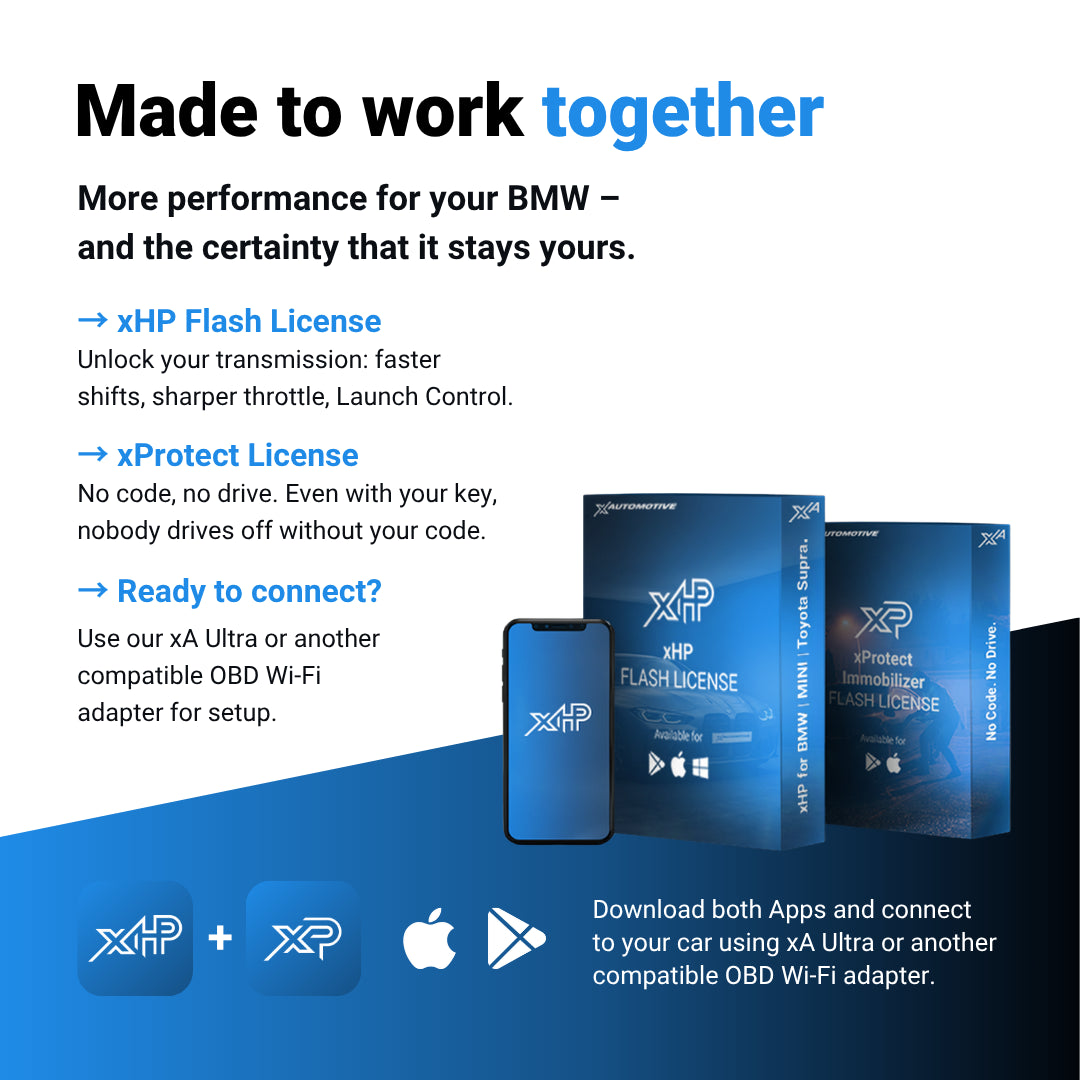
  • xHP & xProtect are designed to work together seamlessly
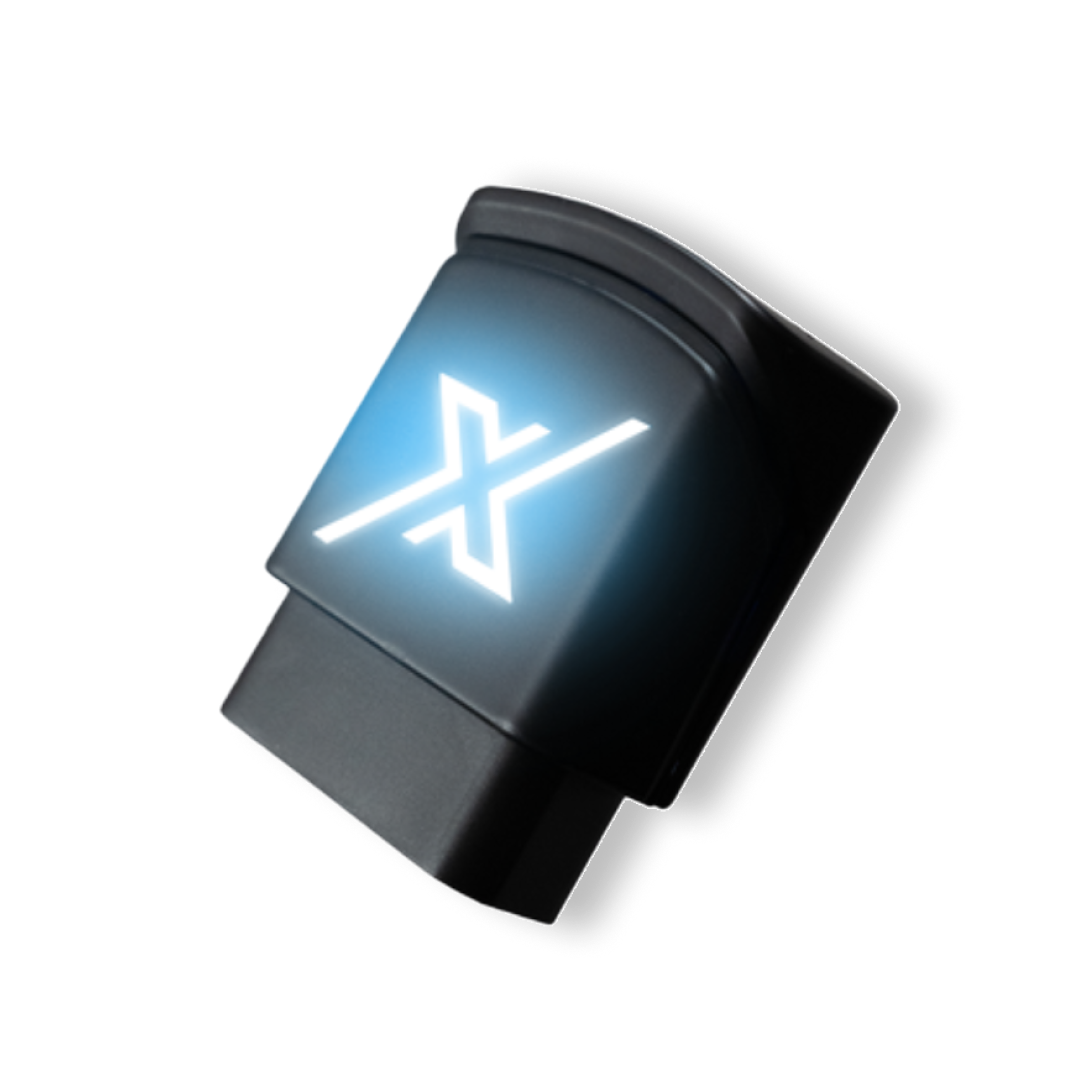
  • Pure software, quick setup — the only hardware you need is the xA Ultra WiFi OBD Adapter or compatible
  • No Hardware Installation or physical Modifications needed.
  • Seamless Anti-Theft protection for your BMW G-Series.
  • Does not affect your Warranty.
  • Digital download — available instantly after checkout

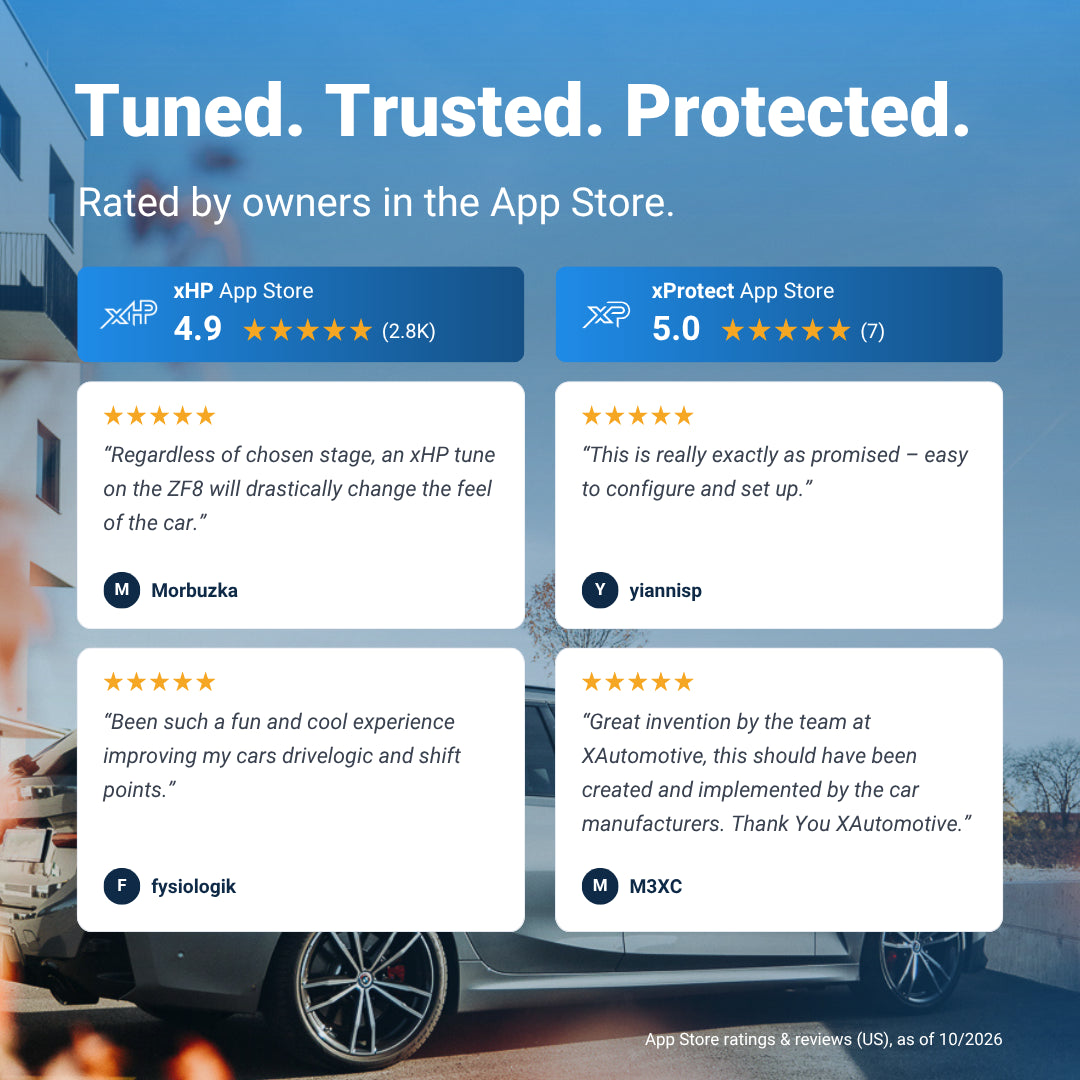
What drivers say

EASY SETUP

xHP Flashtool in Action

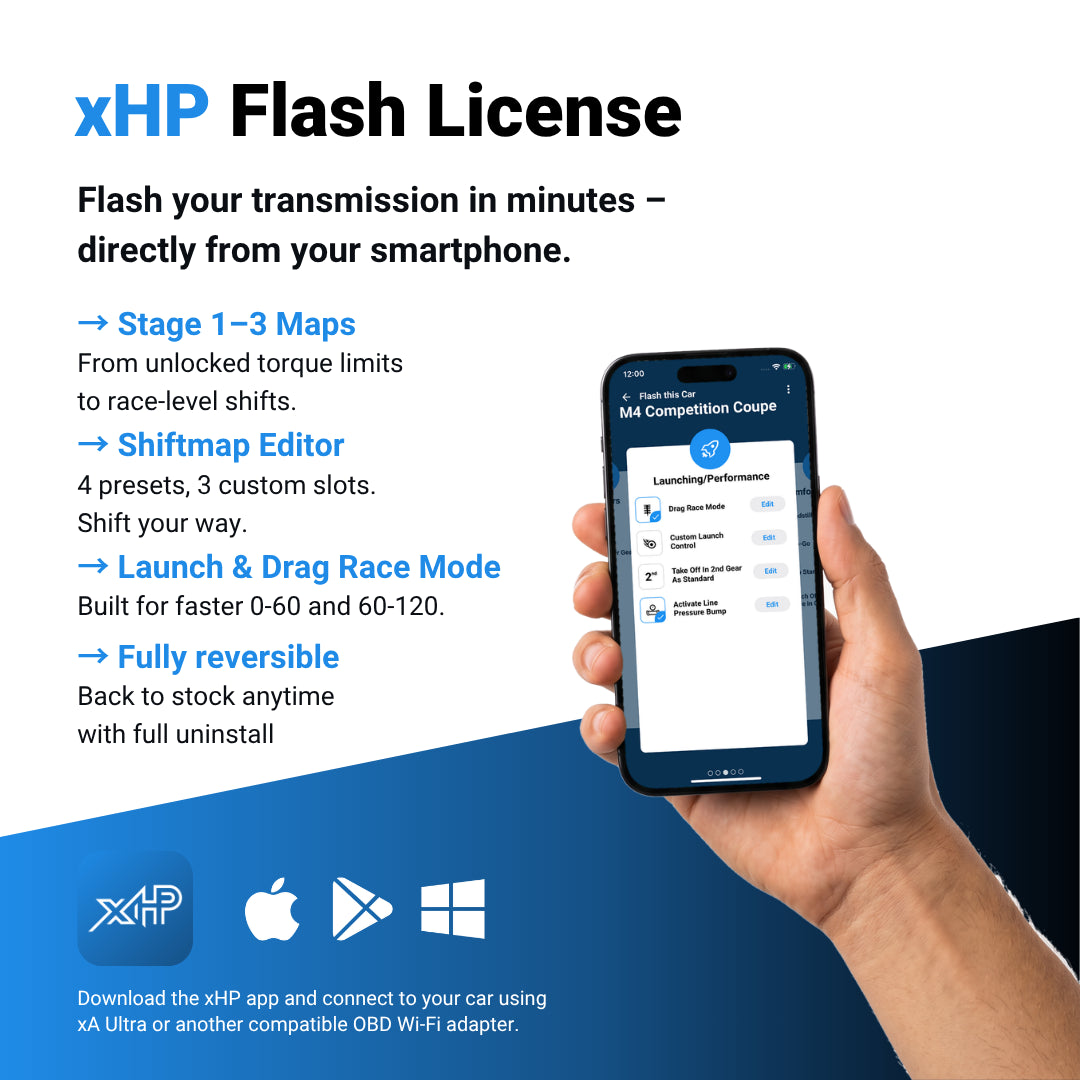
No workshop, no hardware. Flash your transmission in minutes - directly from your smartphone via WiFi adapter.

[xHP Flashtool] in Action

The Problem: Factory Limits Hold You Back

BMW's standard transmission calibration is designed to prioritise comfort, fuel economy and emissions over performance.

Shift speeds are slow, torque limiters restrict your power and sport modes feel limited straight out of the factory.

xHP Flashtool changes all that — you can do it directly from your phone and no hardware modifications are needed.

Your Transmission. Your Rules.

xHP Flashtool is a software solution that lets you remap your automatic or DCT transmission - directly from your smartphone. Works seamlessly with all engine tunes, xDelete and xProtect. Fully reversible - reactivate your stock settings whenever you like. As of now, your warranty is unaffected (03/26).

Stage 1

Unlock the Potential

Removes factory torque limiters.
Enables proper engine tunes.
Adds Gear Display D1-D8.

Stage 2

Full Remap

Complete transmission remap. Faster shifts, stronger blips in Sport modes and more throttle response.

Stage 3

Race-Level Performance

Lightning-fast shifts, race-style auto-shifting in Sport+, reconfigured Launch Control. For enthusiasts & racers.

xHP Flash Settings

Tailor your BMW, MINI or Toyota Supra to your needs! With a few clicks, you can further adjust our OTS Maps easily and even share it your settings with your friends. Our built-in editor makes changing your car's behavior as easy as ordering a Pizza!

Shifting

Shiftmap Editor

Our powerful shiftmap editor, comes with 4 different presets, to adjust shifting to your liking. Every preset can also be adjusted freely. You can adjust each upshift or downshift in D and S-mode by a huge range to fit your environment. When you're done you can save your work in 3 custom slots and also export and share those settings easily!

Available for 6-Speed (BMW/MINI), 7-Speed DCT and 8-Speed (BMW/MINI)

Use Stock Shiftmaps

Enable this option if you want to use the stock shift points, instead of those from our OTS Maps.

(Available for 6-Speed, 7-Speed DCT and 8-Speed)

Torque Reduction Upshifts

Fine tune your shifts to your engine tune! xHP lets you setup how much torque reduction the gearbox requests from the engine during upshifts. Lowering the amount of torque reduction can reduce turbo lag after shifts. Raising the torque reduction can produce faster/crisper and more audible shifts.

(Available for 6-Speed, 7-Speed and 8-Speed)

Reassign Shift-Speeds

Change your shift speeds for various modes easily! xHP Flashtool offers to completely remap your shift programs. You can adjust the shift-speed for each shift, or reassign a shift program entirely, e.g. map super-fast shifts to Comfort-mode or combine medium-speed shifts with the Sport+ setting in your vehicle.

(Available for 6-Speed and 8-Speed)

Ignition Cut Shifting

8-Speed transmissions can cut off operation on one or more cylinders during shifting. This leads to a very distinctive exhaust note during shifts. (braaap) With this setting, you can configure the RPM and torque thresholds for each shift mode, at which the transmission requests for cylinders to be cut off during shifts.

(Available for 8-Speed)

Torque Punch

Configure the firmness of your DCT's shifts. You can configure the amount of torque that is added on each shift, to smooth out your DCT shifts, or make them even more punchy!

(Available for 6-Speed, 7-Speed DCT and 8-Speed)

Brake-Shifting

Brake-shifting is crucial for selecting the correct gear for a corner.

Based on the aggressiveness with which the brakes are applied, the transmission calculates the optimal downshift points to support engine braking and pre-selects the optimal gear for the upcoming corner.

This pre-selection is based on the current driving mode (Comfort, Sport, etc.), brake pressure, and other real-time factors.

Customize your TCU with just one App!

The xHP Flashtool App lets you remap your transmission directly from your smartphone — no workshop, no hardware required. Use OTS or custom maps to adjust shift points, torque limiters, and launch control, unlock performance stages (Stage 1–3), and revert to stock settings anytime.

EASY SETUP

xProtect in Action

No hardware installation or physical modifications needed.

[xProtect] in Action

The Problem: Key-Fob Vulnerability

The most common point of attack is the remote Key-Fob.

Car thiefs extend the key's signal over hundreds of meters and drive off with the car in seconds.

Silent Access
No Alarm gets triggered
Keyless Systems
All modern cars are affected
Factory Updates
Quickly get exploited again
OUR SOLUTION

No Code. No Drive.

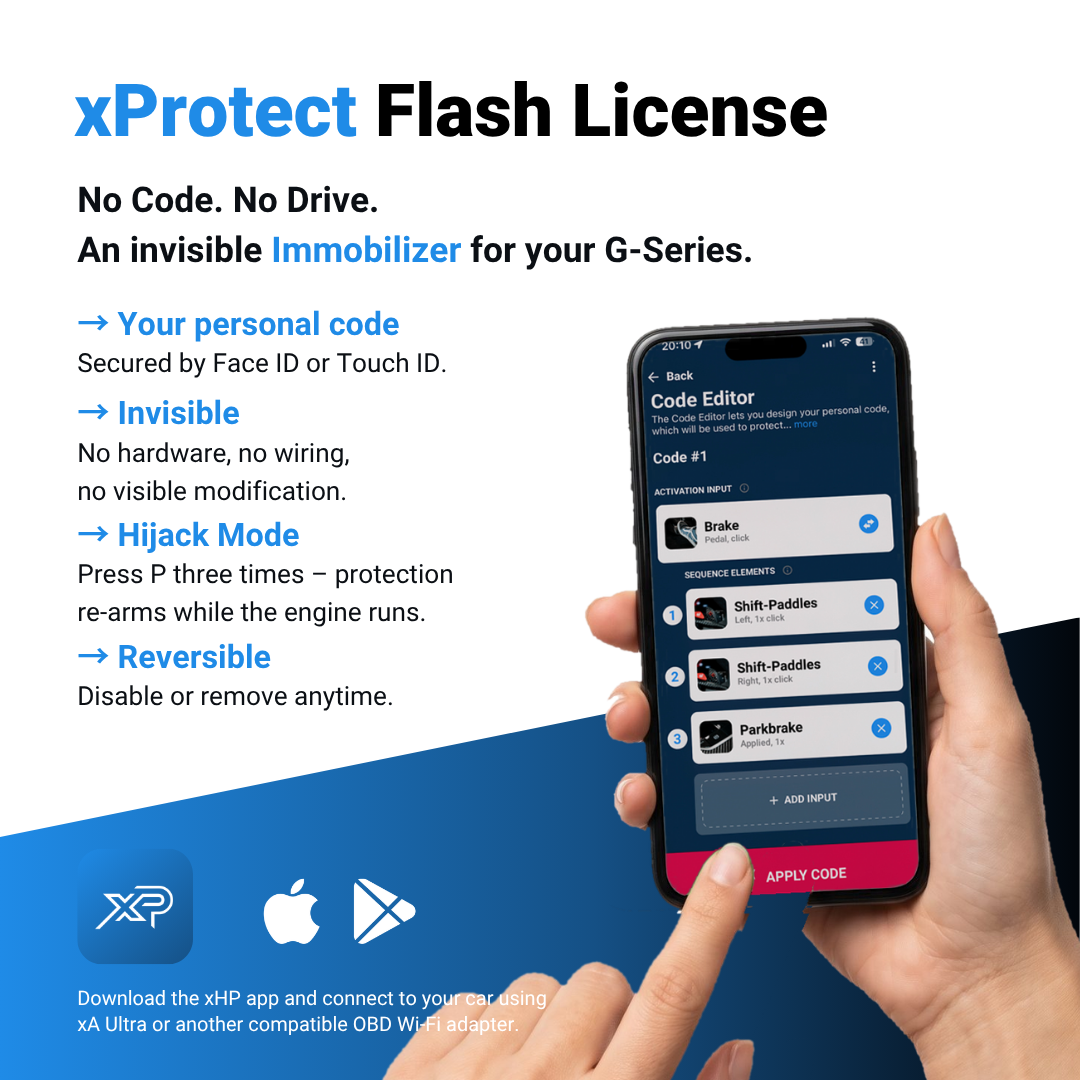
We're adding a personal layer of security. Individual to your car and setup by yourself.

Protected by Face ID or Touch ID

Your personal code is secured inside the xProtect app and can only be accessed with biometric authentication for maximum protection.

Seamless Integration

xProtect does not interfere with existing tunes or software-based modifications.

Software-basedNo hardware installation. No physical modifications.
InvisibleNo visible modifications to the car.
ReversibleCan be removed any time.

Performance only you can unlock.

Your BMW. Your Rules.

Meet xProtect!

xProtect is a software add-on for BMW G-Series vehicles that adds a powerful, invisible layer of protection. Even if someone has your key or exploits Keyless-Go, your car will not move without your personal code.

Create your personal code in the xProtect app.
The vehicle cannot be moved until the code is entered.
No visible protection to thieves.
ADVANTAGES

Why xProtect?

Privacy

Unlike vehicle trackers, we do not collect any data and your code stays secured on your device.

Software-Based

No hardware installation or physical modifications needed.

Compatible

Works seamlessly with xHP Flashtool, xDelete as well as any engine tunes.

Flexible

Temporarily turn it off and reactivate it whenever you like. Fully reversible.

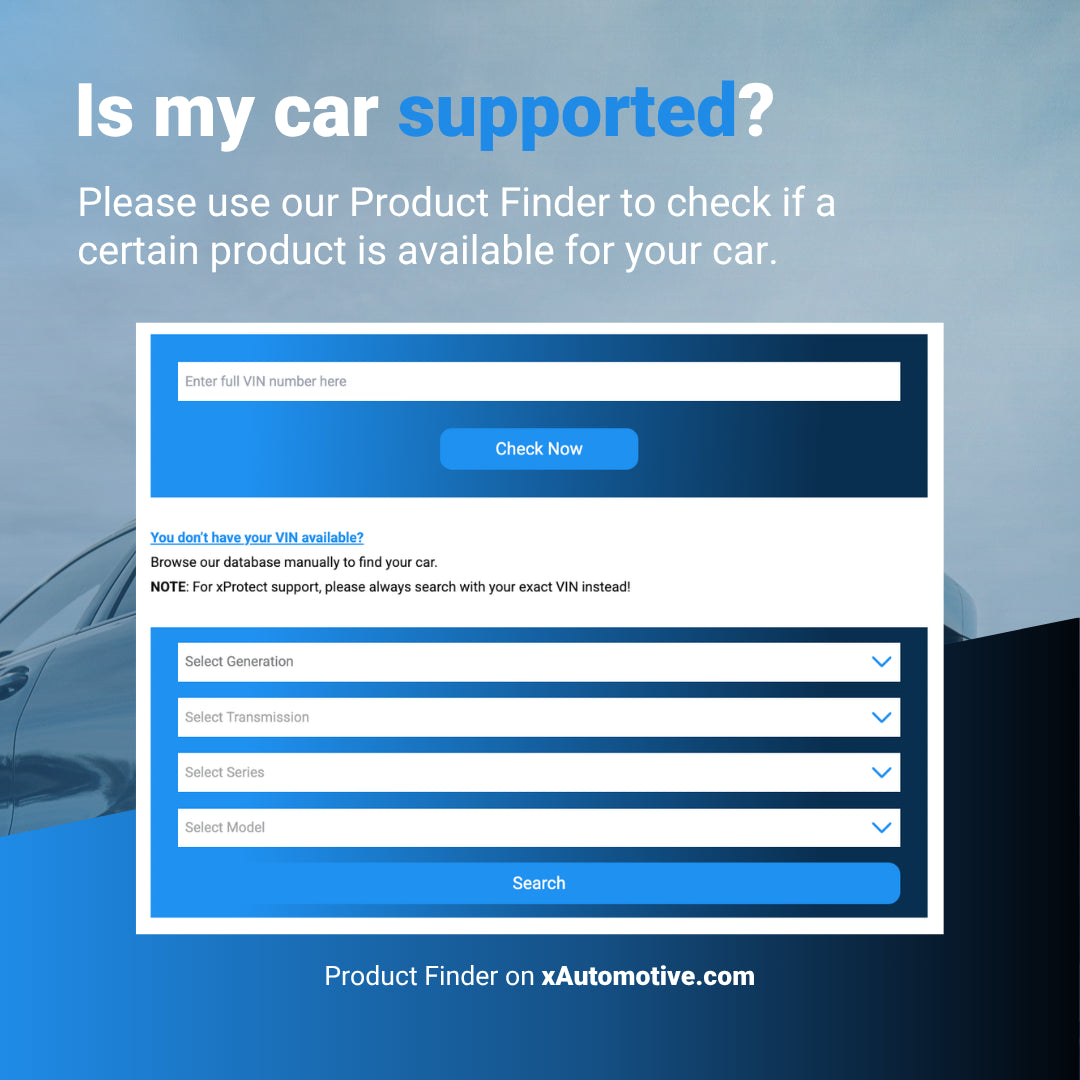
Is your BMW compatible?

Check in seconds if xHP and xProtect are available for your vehicle.

You can find the VIN either in the vehicle registration document or on the right side in your engine compartment.

FAQ

Please use our Product Finder to check if a certain product is available for your car.

xHP Flashtool includes the xHP Flash License for a single vehicle with ZF6HP / ZF8HP automatic or 7-speed DCT transmission and an xHP Map Pack, which includes OTS Maps for Stage 1, Stage 2, and Stage 3.

You need xHP Flashtool, our xA Ultra Adapter (or other supported adapter, please see our WIKI) and download the xHP Flashtool app for iOS, Android or Windows.

OTS stands for "Off the Shelf". xHP Flashtool contains 3 OTS maps specifically developed for your model. You can access the details of specific maps within xHP Flashtool in the "Check Support" tab. The Stage 0 map is a backup, so you can restore your vehicle to stock at any time. 

xHP Flashtool allows free and unlimited flashing for a single vehicle (VIN - Lock) with ZF6HP/ZF8HP automatic or 7-speed DCT transmission. It includes all Flash Settings for your BMW/Toyota Supra: Shiftpoint Editor, customized Launch Control, Torque Limiters, Throttle Blips, and much more. As well as it includes OTS Maps for Stage 1, Stage 2, and Stage 3. Furthermore, it allows you to flash tunes created through our Custom Map Service!

xProtect is a software-addon for supported BMW vehicles, which adds an effective security layer against all kinds of vehicle-theft attempts. Even if your key is stolen, or the Keyless-Go signal is exploited no one will be able to move your car, except you personally.

No, xProtect does not alter any performance- or safety-function related behavior of your vehicle and your warranty will stay fully intact. There is no hardware to install, and installation of the software will not (as of 01/2026) affect any warranty claims.

In order to connect the app to your car and install xProtect to it, you will need a compatible Wi-Fi adapter such as the xA Ultra (available in our shop),xHP Wifi (discontinued), Thor, MHD UNI, MHD Orange or bootmod 3 Wi-Fi

Yes, xProtect fully supports Remote Software Upgrade and updates at your dealer. While
xProtect has built-in protection to avoid it being removed or re-programmed by third parties, you can easily deactivate the system temporarily to enable upgrades. After the Upgrade, you can re-enable xProtect.

The current sequence of your vehicle is easily accessible within xProtect. To protect your
sequence, xProtect utilitzes FaceID or TouchID recognition on your phone. Your sequence is stored in encrypted format with your user-acount on our servers. We use state-of-the-art protected Amazon-AWS Cloud-Services for storing your data. We cannot reconstruct a stored code for you. Only you can see it in the app.

You can temporarily disable xProtect with the controls in your car. First, you need to enter your personal sequence to put xProtect into “unlocked” mode. While xProtect is in unlocked mode, hold the Park-Button on your Gear-Lever for three seconds. The “P”-Symbol in your dash will flash once, to signal that xProtect is now permanently disabled. When you receive your car back, you can re-enable the protection by holding the P-Button for three seconds again.

Yes! Put your vehicle in “Park” and quickly press the P-Button 3 times. (Hijack-Mode)

xHP and xProtect are designed to work together seamlessly. However, there may be rare cases where the installation of xProtect overwrites your xHP tune. For instance, if your vehicle has been flashed a very long time ago with xHP and this flash was not synced online. In this case, please first re-flash your tune with xHP and make sure the last flash is synced online. You can check this in the Flash-History.in xHP (3 white dots in the top-right corner in the car screen). If the latest flash is not synced yet, you can trigger the sync manually from this page. Afterwards you can proceed to install xProtect again. If your car has been flashed at a xHP dealer, you either need to go back to the Dealer to re-flash xHP or you can buy an xHP Upgrade License from our Webshop and do the flash by yourself.

To set your car to “Unlocked" mode, just enter your personal sequence.

No, only the owner or the person who installed xProtect can know.

The “P” symbol in your dash and on the gear-lever will flash when xProtect is installed and
active. The flashing stops when xProtect is in “Friendship” or “Unlocked” mode.

Make sure you do not interrupt your code with other controls in the car. The sequence must be entered precisely, with no other inputs activated in between. There is also a timeout between inputs (Standard: 2 seconds), where recording of your code is stopped and you must start with the first input again. xProtect also has a special Recovery-Mode in case a set code is not working as expected. To start the recovery mode, please navigate to your vehicle in xProtect and click on the three white dots in the top-right corner. The recovery procedure removes your code from the vehicle, but can be only started from the very same account, xProtect has been installed with.