
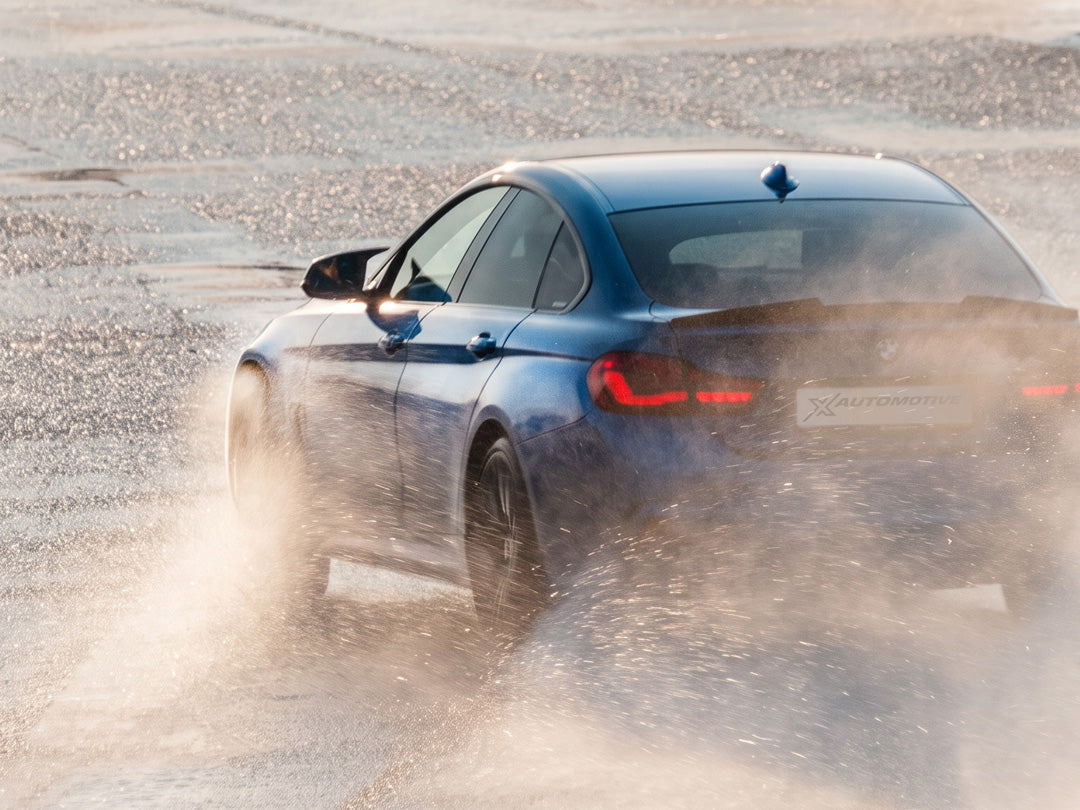
Last week, we launched xDelete LIVE — bringing more control over your BMW’s xDrive system directly into the cockpit.
Since then, the response has been incredible. Along with your excitement came plenty of questions — across social media, our support channels and the xDelete community.
We’ve been following them closely, collected the ones that came up most often and brought them straight to our engineers and product managers.
From licenses and adapters to switching modes, transfer case concerns and what’s coming next: here are the answers to your most asked questions about xDelete LIVE — with some technical insights along the way.
You asked. We listened. Let’s get into it.
1. Is this a new license or a free update?
If you already own an xDelete license, xDelete LIVE is a free update.
There’s no new license to purchase. We see LIVE Mode as an evolution of xDelete — and we want all of our existing customers to benefit from it.
Simply update your xDelete app to the latest version. If LIVE Mode is supported for your vehicle, it will be available with your existing license.
2. What options do I have for switching?
xDelete LIVE is designed to make switching between your available xDrive modes faster and more convenient — without having to perform a full flash every time.
You can seamlessly switch between 4WD, 2WD and 4WD Sport with your vehicle's controls. With xDelete LIVE there are three ways to switch your xDrive mode while driving.
1. Using your DSC button
Every BMW has three stability control (DSC) modes: ON, Traction/MDM and OFF. With xDelete LIVE, you can now create a dedicated xDrive setup for each of these modes. This enables you to have all-wheel drive with DSC on. For drifting or burnouts, simply hold the DSC button for three seconds to turn DSC off and the xDrive will immediately switch to 2WD mode.
2. With your brake pedal
This is the second way of switching and works independently from the DSC mode. Using the app, you can set a start-up mode that will be the standard mode every time you start your engine. While driving, you can toggle xDrive on and off by tapping the brake pedal five times within three seconds. Each time you perform this action, your xDrive mode changes.
3. With the app
While the DSC and brake modes are exclusive, switching and monitoring with the app always works, no matter which mode you have selected. The app lets you override any previous setting instantly and gives you full freedom to operate.
3. Do I need to have the adapter plugged in all the time?
In short, no — the adapter is only needed to set up your car initially. Afterwards, you can switch modes entirely using the vehicle controls. You don't need the adapter or your phone to change xDrive modes. However, as an additional feature, you can check the current live status and also initiate a mode switch from your phone if you wish.
4. Is this bad for my transfer case?
To answer this question, we need to take a closer look at what the transfer case actually is. Unlike the traditional AWD systems found in SUVs, the BMW xDrive is not a permanent AWD system. All-wheel drive is not achieved through a mid-differential that permanently connects the front and back axles, but rather through an electronically controlled clutch that connects the front axle on demand.
This system is designed to open and close the clutch as required, with an open position as the fallback. This open position is actually quite a normal operating condition as soon as the car is travelling at a steady speed. The design of the system means that this clutch only closes when necessary to minimise usage.
While the control strategy of the xDrive system has evolved over the years, the operating principle has remained unchanged since its introduction in the mid-2000s (note: earlier BMWs with AWD, such as the 325xi E30, used a viscous coupling instead of the modern electronic clutch).
BMW also started offering selectable xDrive modes from the cockpit in 2018, but currently restricts these options to its M vehicles, such as the M3, M4 and M5.
Now that we have outlined how the xDrive system works, we can give a simple answer to the question: xDelete does not cause additional wear and tear, nor does it operate the xDrive clutch differently to how it would in standard conditions; it just sets it to a permanent open position rather than opening and closing it constantly.
In 2WD mode, the clutch is set to its 'gap' position, meaning the friction plates do not make contact. This makes the mode ideal for drifting. 4WD Sport still provides 4WD, but has a looser control strategy than standard, making the car more agile when exiting corners. Our own development cars have completed hundreds of miles drifting and are in perfect condition, so there is nothing to worry about when it comes to the transfer case.
5. When is xDelete LIVE available for E-Series and G-Series?
xDelete LIVE launched first for F-Series BMW (approx. MY 2012-2018), but that’s not where we’re stopping.
Support for E-Series (approx. MY 2006-2012) and G-Series (MY 2018-2021) is in development and will arrive soon. We are aiming at 2026 for both.
We’ll share updates as soon as additional platforms are ready.
6. What happens when I restart my car?
Every time you turn the ignition off, xDelete Live reverts to the set start-up mode. If you are unsure which mode is active, you can either use the app to check or simply turn the ignition off and restart the engine.
7. Does xDelete LIVE affect DSC, ABS or other driver assistance systems?
No, xDelete does not affect any other systems in the car.
8. What’s the difference between xDelete LIVE and the regular xDelete flash?
Until xDelete Live was released, you had to flash your car with the xDelete app each time you wanted to change the xDrive mode. With xDelete Live, you can now switch between modes while driving.
9. Can I go back to the standard xDrive setup at any time?
If you do not want live switching in the car, you can always revert to the original setup within three minutes using the same OBD adapter that you used for installation. xDelete can be entirely removed from your car using this adapter.
10. Will xDelete LIVE void my warranty?
No! As with all our products, you can take your car to any dealer for servicing or recalls without any issues. As of now (08.2026), your car will not be detected or flagged by the dealer. If you have any doubts, you can always revert to the original settings within minutes.
Is your BMW ready for xDelete LIVE?
Check compatibility with your BMW, explore the available features and find the right xDelete setup for your car.
→ Check compatibility & get your xDelete Flash License